ScanCove Pro

Every expense report,
handled by ScanCove Pro

Scan, review expenses, and generate reports with 500 AI scans per month.
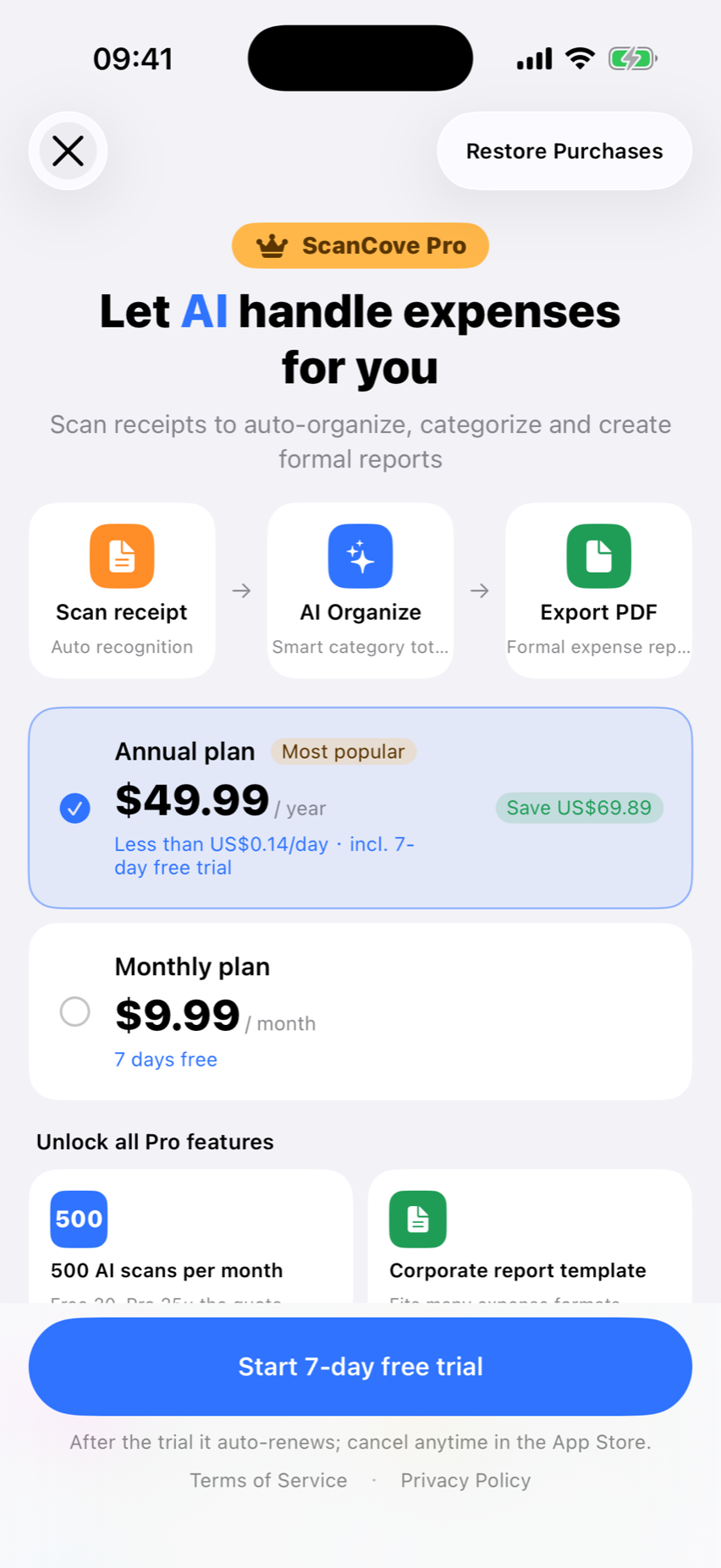
Offers shown by the App Store
Local storage, optional iCloud
Cancel anytime
ScanCove Pro
PDFExcel
500More AI scanning capacity
Signature management
Ryan

ScanCove vs ScanCove Pro

What you unlock with Pro

ScanCove

  • AI Scan
  • Expense Reports
  • Export
  • iCloud Sync
Best value

ScanCove Pro

  • More AI scanning capacity
  • More export templates
  • Signature management
  • Advanced customization
  • Faster reimbursement
ScanCove Pro

What you unlock with Pro

More AI scanning capacity

500 AI scans per month for everyday expense work.

500/ month

More export templates

Business-ready report layouts for every company format.
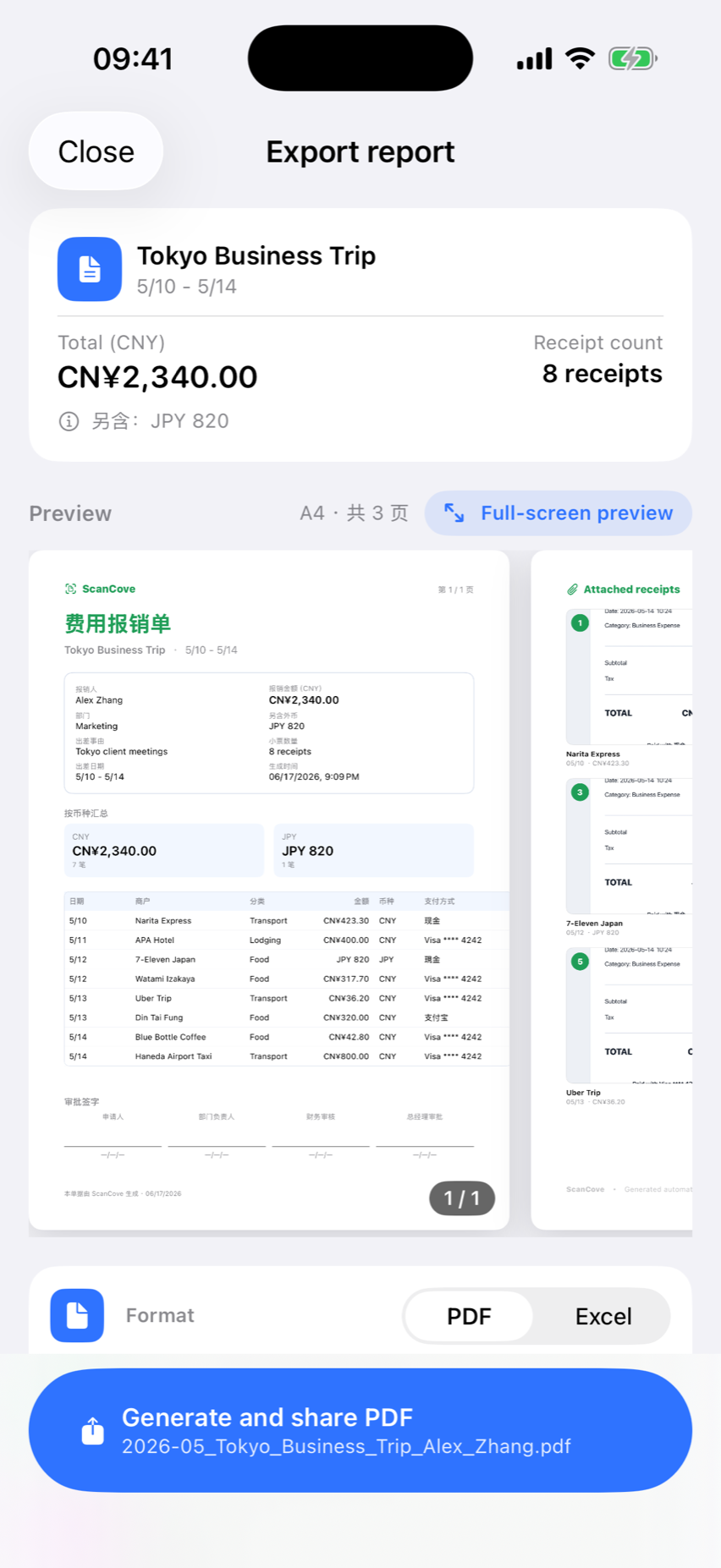
PDFXLS

Faster reimbursement

Batch reports, Excel export, and smart AI categorization.
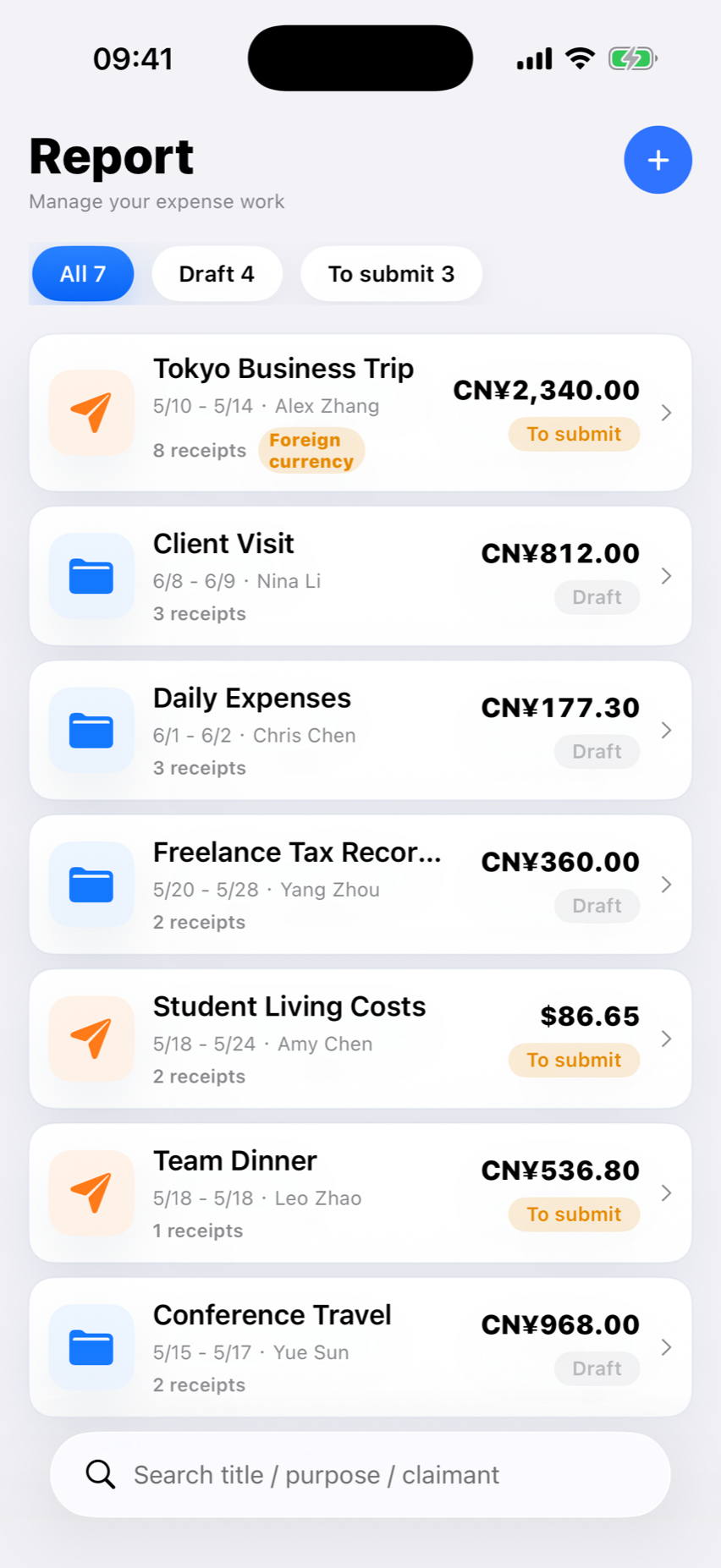
Signature managementStore and apply signatures automatically before export.
Advanced customizationAdd watermarks, reorder fields, and fine-tune every report.
Premium app iconsPersonalize ScanCove with premium home-screen icons.
ScanCove Pro

Simple pricing

See the App Store for local pricing, trial eligibility, and terms.

Local pricingPrices vary by App Store storefront
See App Store for local pricing

Frequently asked questions

Which formats can I export?

You can export professional PDF reports for free.

Does ScanCove work with foreign currencies?

Yes. ScanCove recognizes foreign-currency receipts.

How do I restore my Pro purchase?

Open Settings and restore purchases.

How do I cancel my subscription?

Subscriptions are managed by Apple.

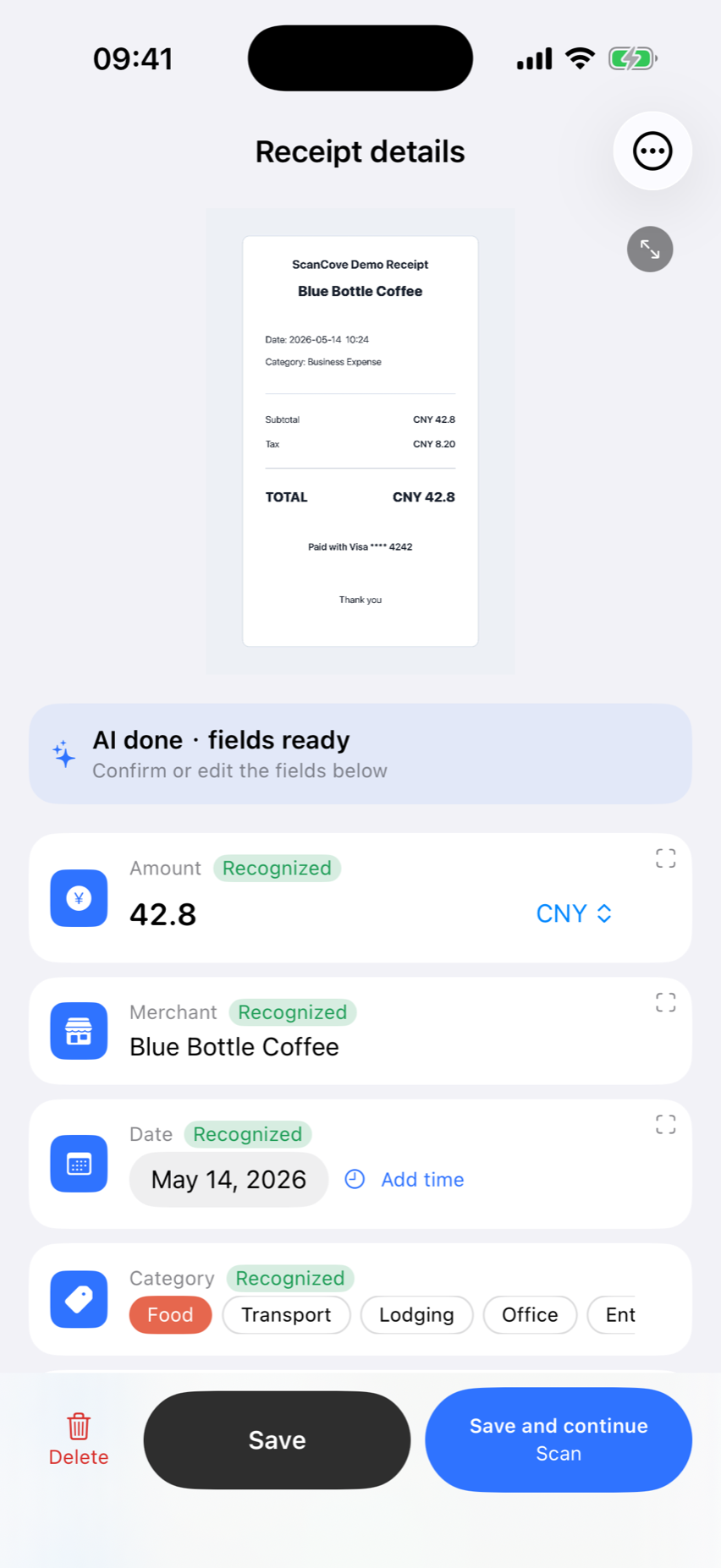
Scan, review, and export expense data

Scan, review expenses, and generate reports with 500 AI scans per month.

View options in the App Store