
01
Scan with camera or photo library
Capture receipts with your camera or import existing photos. Smart edge-detection and auto-crop keep every receipt clean and straight.
JPGPNGPDF
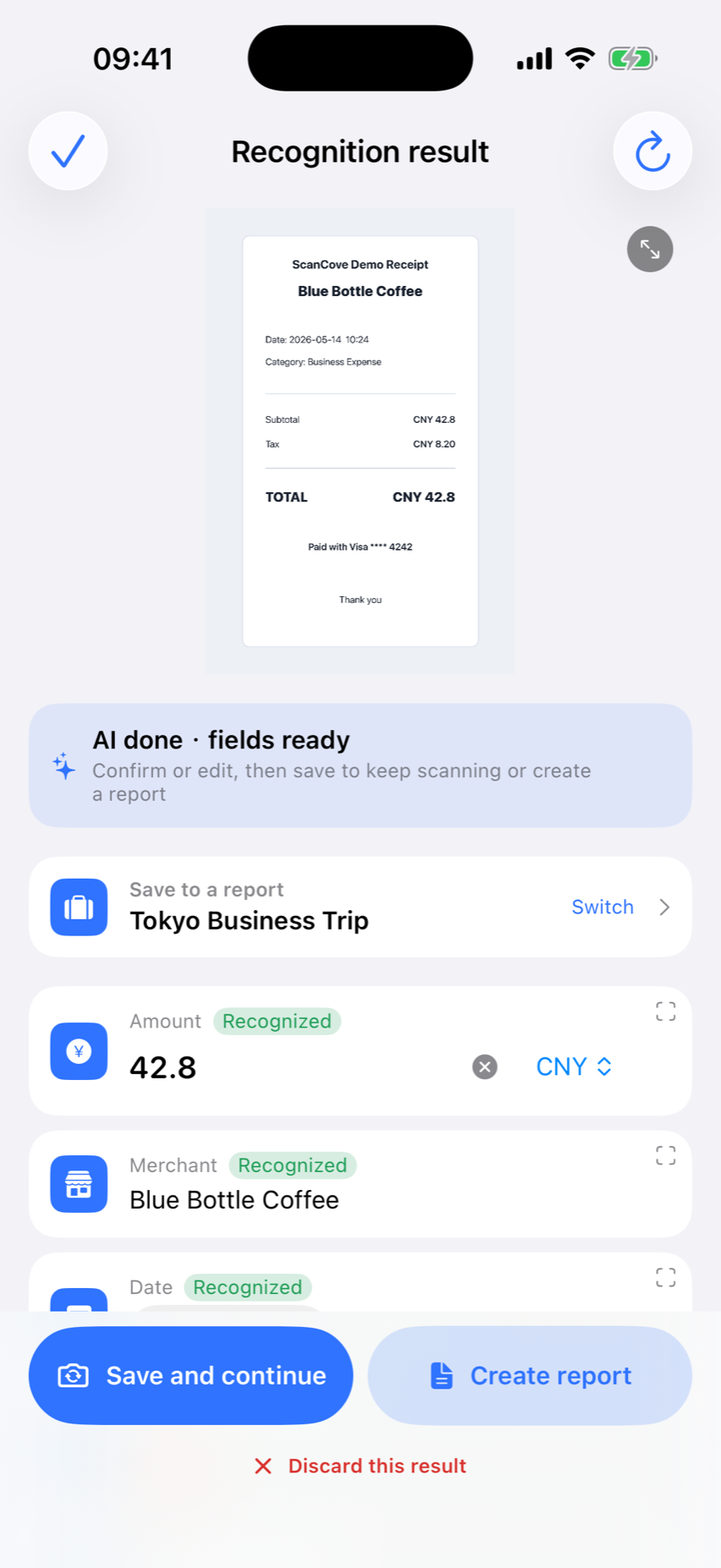
JPGPNGPDF
A closer look at the tools that turn receipts into reports.
Capture receipts with your camera or import existing photos. Smart edge-detection and auto-crop keep every receipt clean and straight.
ScanCove extracts candidate merchant, date, amount, currency, and tax details for you to review and correct.
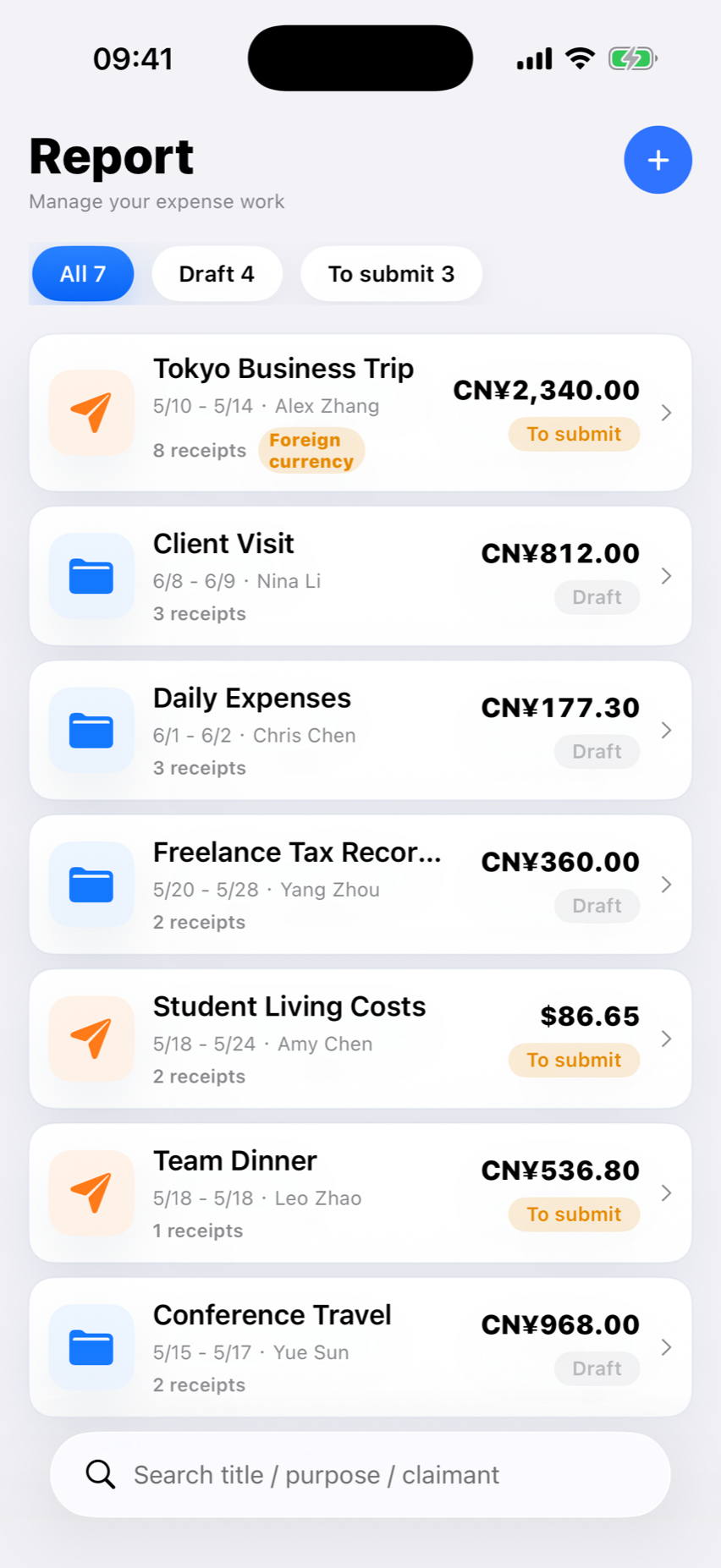
Add receipts to reports you choose, then review spending by project, time, and category.
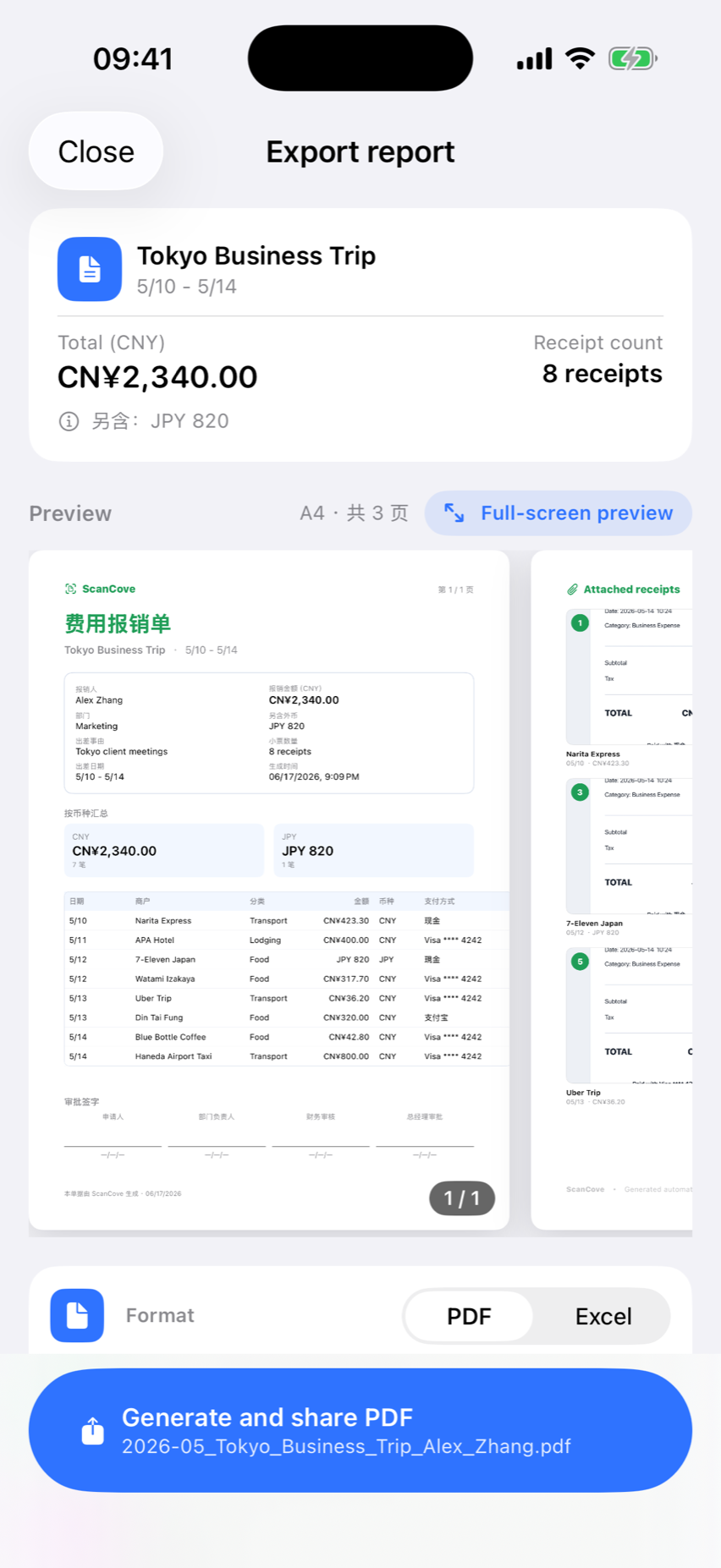
Generate PDF or Excel report drafts with totals grouped by currency and category. Review exports before submitting them.
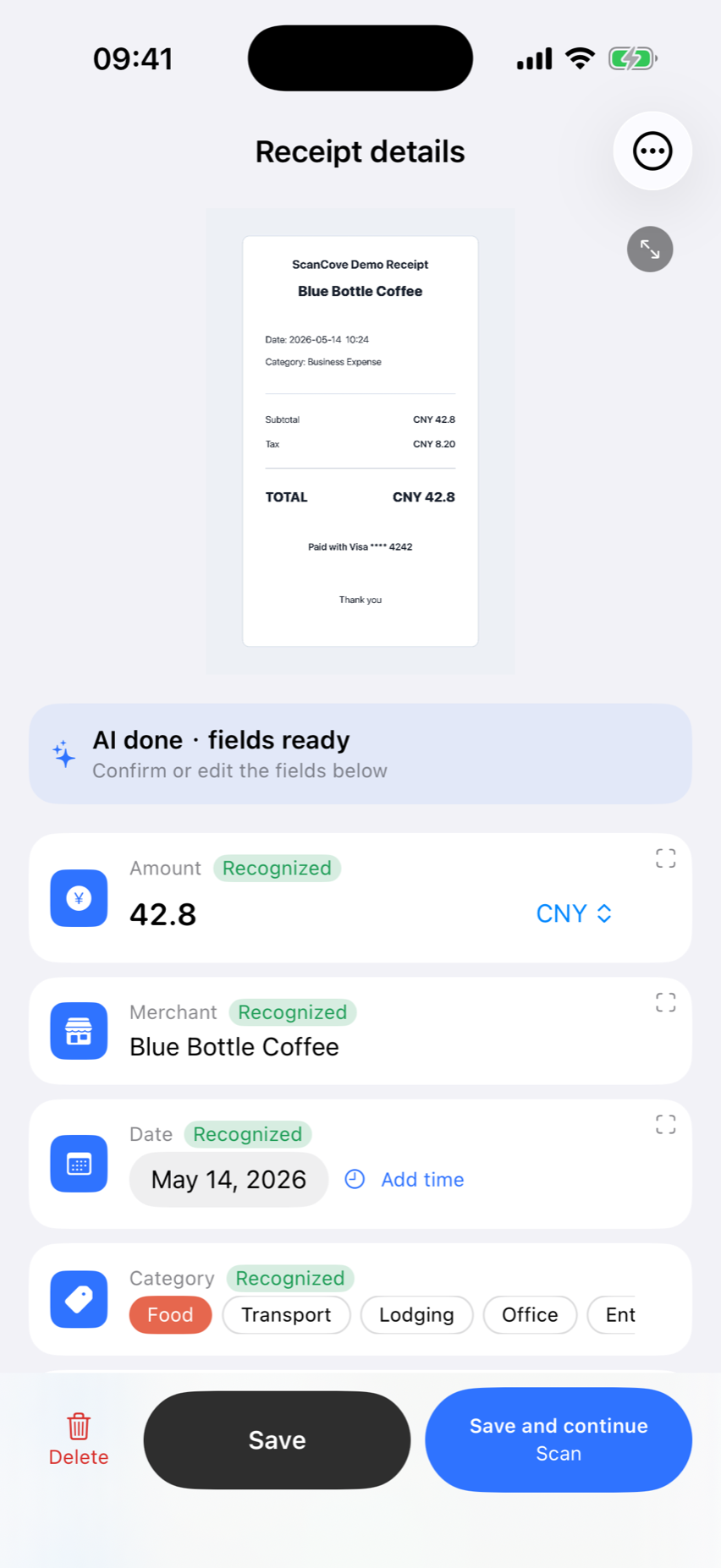
If enabled, receipt data may be transferred to your private Apple iCloud account. Availability is managed by iOS.
Save your handwritten signature once and apply it to any report before export.
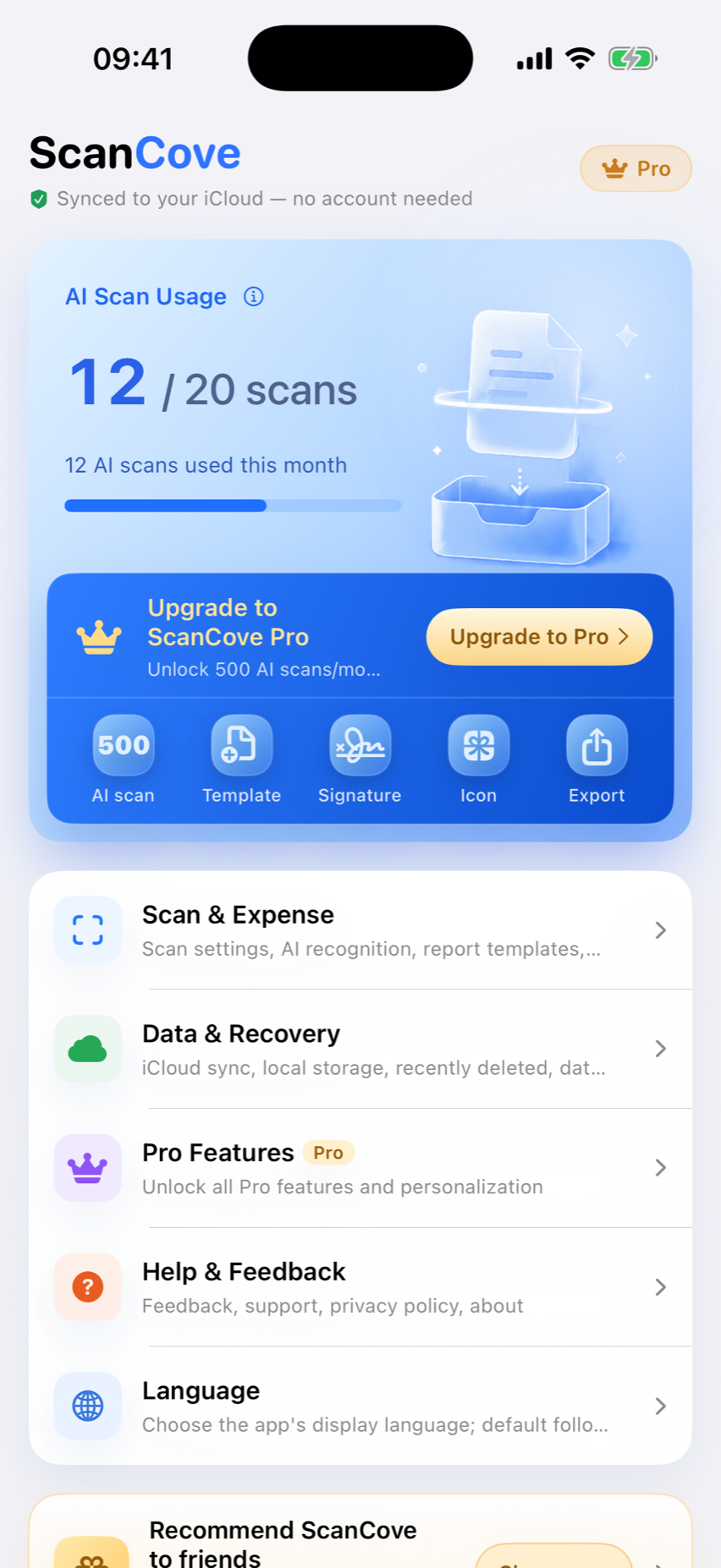
Unlock 500 monthly scans, signatures, premium templates, and more.